Delete, restore and archive
Pages and Spaces you delete go to the trash for 30 days. You can also archive a Space to keep it read-only.
Delete a page
Hover over the page in the sidebar, click ••• and choose Move to trash. Changed your mind? Click Undo in the message that appears.
Restore from the trash
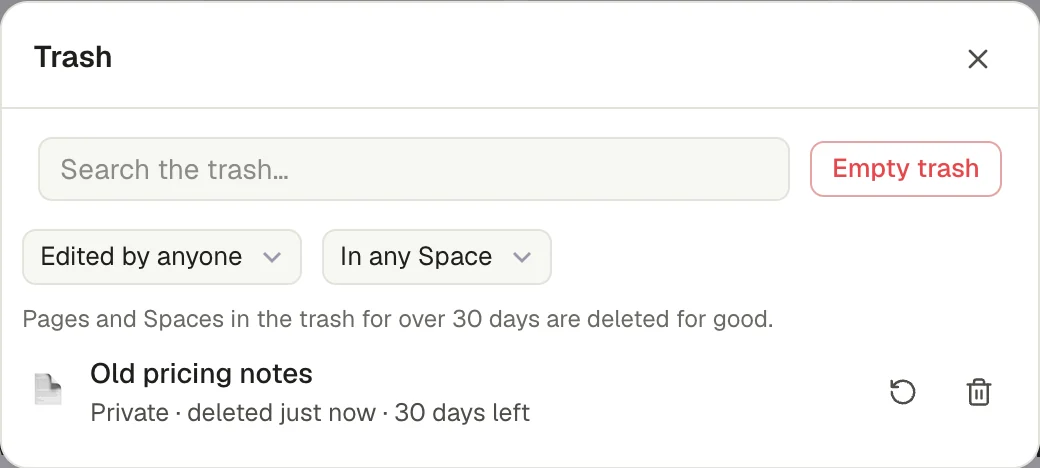
- Click Trash at the bottom of the sidebar.
- Find the page. You can search the trash and filter it.
- Click the restore arrow next to it. It goes back where it was.
Delete or archive a Space
Open the Space’s ••• menu and choose Space settings. At the bottom of General:
- Archive keeps the Space and its pages, read-only. Find it later in Browse Spaces and click Unarchive.
- Move Space to trash deletes it. Use Restore Space in the trash within 30 days to bring it back.
Was this helpful?
Still need help?
Email hi@kolasys.ai from the address on your account and we’ll reply by email.