Find your way around the sidebar
Favorites, recents, pages shared with you, your Spaces and your private pages, and how to rearrange them.
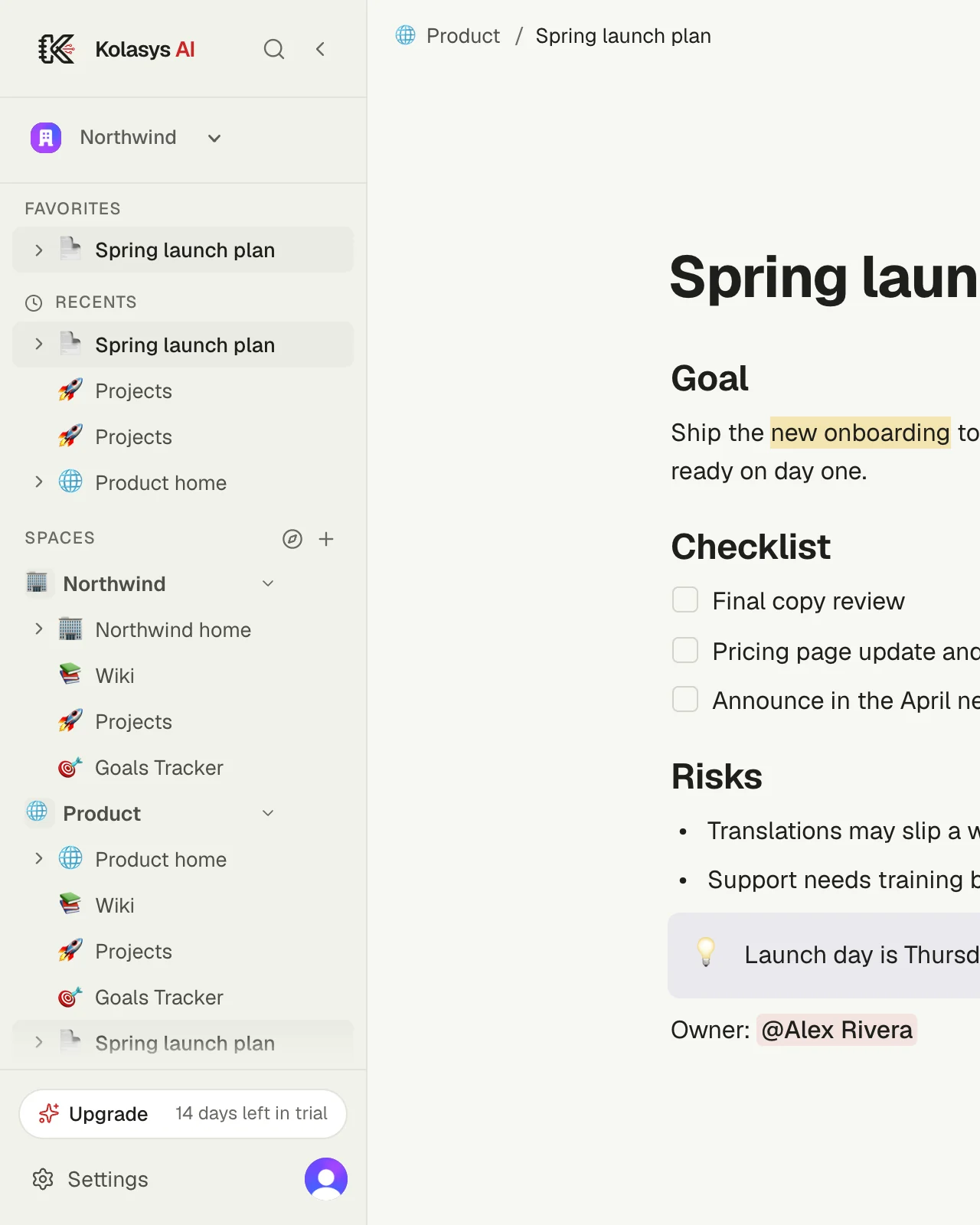
What’s in the sidebar
- Spaces overview: every Space and recent page in one place.
- Inbox: mentions, comments and invitations. The badge counts unread ones. See Inbox and email notifications.
- Favorites: pages you starred with Add to favorites.
- Recents: pages you opened lately.
- Shared with you: pages other people shared with you directly.
- Spaces: the Spaces you’re a member of, with their pages.
- Private: pages only you can see.
At the bottom are Templates, Import and Trash.
Drag to reorganize
Drag a page up or down to reorder it, onto another page to nest it, or into a different Space or into Private to move it. You can drag Spaces to reorder them too.
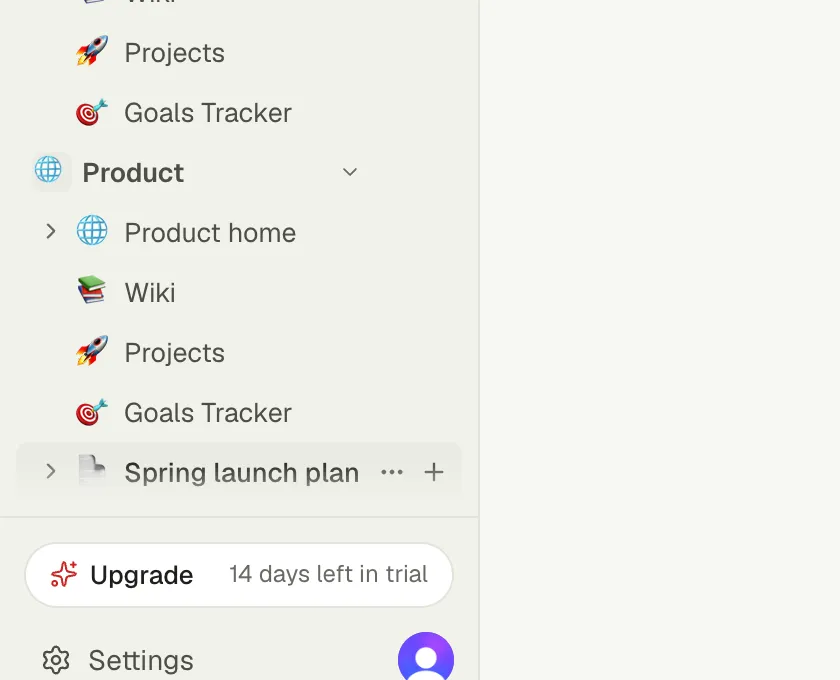
Customize the sidebar
- Click Customize sidebar at the bottom of the sidebar.
- Turn off any section you don’t use, and move sections up or down with the arrows.
- Click Reset to go back to the original order.
Was this helpful?
Still need help?
Email hi@kolasys.ai from the address on your account and we’ll reply by email.