Get the Mac, Windows, iPhone and Android apps
Install Kolasys on your computer to record calls without a bot, and on your phone or Apple Watch to record in person. One account works everywhere.
Mac
Needs macOS 13 Ventura or later, on Apple Silicon or Intel.
- Go to the download page and click Download for Apple Silicon or Download for Intel.
- Open the downloaded file, drag Kolasys AI into Applications, then open it from there.
- Sign in with your Kolasys account. Kolasys then lives in the menu bar at the top of the screen.
Windows
Needs Windows 11 or Windows 10, 64-bit.
- Go to the download page and click Download for Windows.
- Open the installer from your Downloads. It installs just for you, with no administrator password, and opens Kolasys when it’s done.
- Sign in. Kolasys then lives in the system tray, by the clock. If you don’t see it, click ^ and drag the Kolasys icon onto the taskbar.
To record, see Record on your Mac or PC.
iPhone, Apple Watch and Android
- iPhone: get Kolasys AI on the App Store. The Apple Watch app comes with it.
- Android: get Kolasys AI: Meeting Notes on Google Play.
The apps work with a free account. Plans are managed on the web, in Settings › Billing. See Record on iPhone and Apple Watch.
Signing in and out
Use the same account in every app, and your meetings show up everywhere. The desktop app opens your browser to sign in.
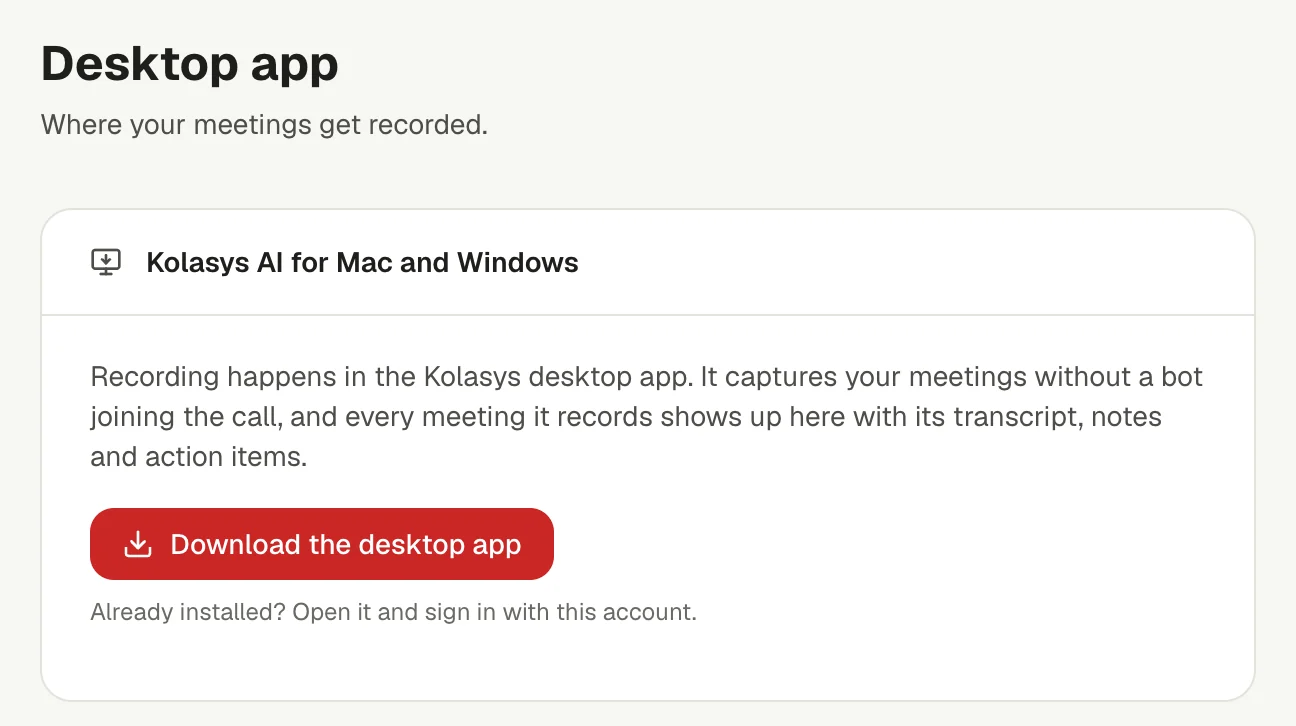
To see every computer signed in with your account, go to Settings › Desktop app. Under Your computers, click Sign out next to one to sign it out. Its meetings stay in your account.
Was this helpful?
Still need help?
Email hi@kolasys.ai from the address on your account and we’ll reply by email.