Student and nonprofit discounts
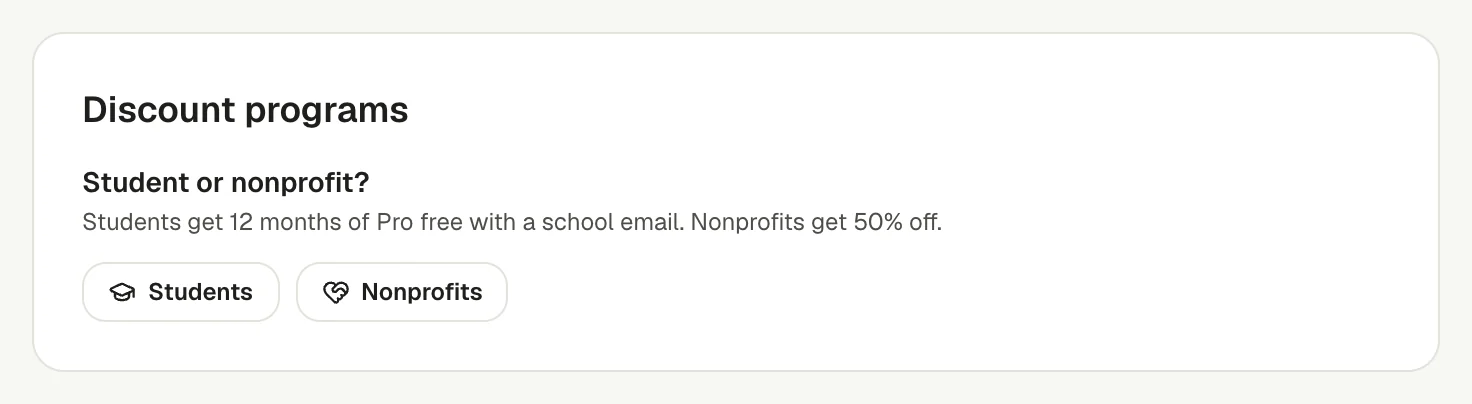
Students get 12 months of Pro free with a school email address. Registered nonprofits and charities get 50% off Pro and Team.
Students: a year of Pro, free
- Sign in, go to Settings › Billing, and under Discount programs click Students.
- Type your School email and click Send my code. It can be different from the address you sign in with.
- Type the 6-digit code from that email (it lasts 15 minutes) and click Claim 12 months of Pro.
Pro switches on straight away. You never enter a card, so there’s nothing to cancel.
If your school isn’t recognised, Kolasys asks for your school, expected graduation and name instead. Click Send for review and a person checks it; we email you the decision.
Who can claim it
- Students with a current school address. Alumni and forwarding addresses don’t count.
- Once per person, and once per school address.
- On a workspace you own, with only you in it, that isn’t already on a paid plan.
When the year ends
We email you 14 days before. On the end date the workspace moves to Free by itself and keeps all its meetings. To keep Pro, subscribe from Settings › Billing any time.
Nonprofits: 50% off
Registered nonprofits and charities, in any country, get half off Pro or Team for as long as they stay eligible. The owner or an admin of the organisation’s workspace applies:
- Go to Settings › Billing and under Discount programs click Nonprofits.
- Fill in the organisation’s name, country, registration or tax-exempt number and website, your name, role and email there, and a few lines on what it does.
- Click Send application.
A person checks it and emails you the decision. Once it’s approved, 50% off is applied when you subscribe, or added to the subscription you already have. On Team it covers every seat. The discount stays with that workspace and can’t be moved to another one.
Was this helpful?
Still need help?
Email hi@kolasys.ai from the address on your account and we’ll reply by email.