Views: table, board, calendar, timeline, chart and more
Show the same rows in different layouts. Each view keeps its own filters, sorts and grouping.
The layouts
- Table: rows and columns, like a spreadsheet.
- Board: cards in columns, grouped by status or any select property. Drag cards between columns.
- Timeline: bars between a start and end date, with dependencies between rows.
- Calendar: rows on the days they’re due.
- List and Gallery: a simple list, or cards with a preview.
- Chart: vertical bar, horizontal bar, line, donut, or a single number.
- Form: a form people fill in. Each answer becomes a row.
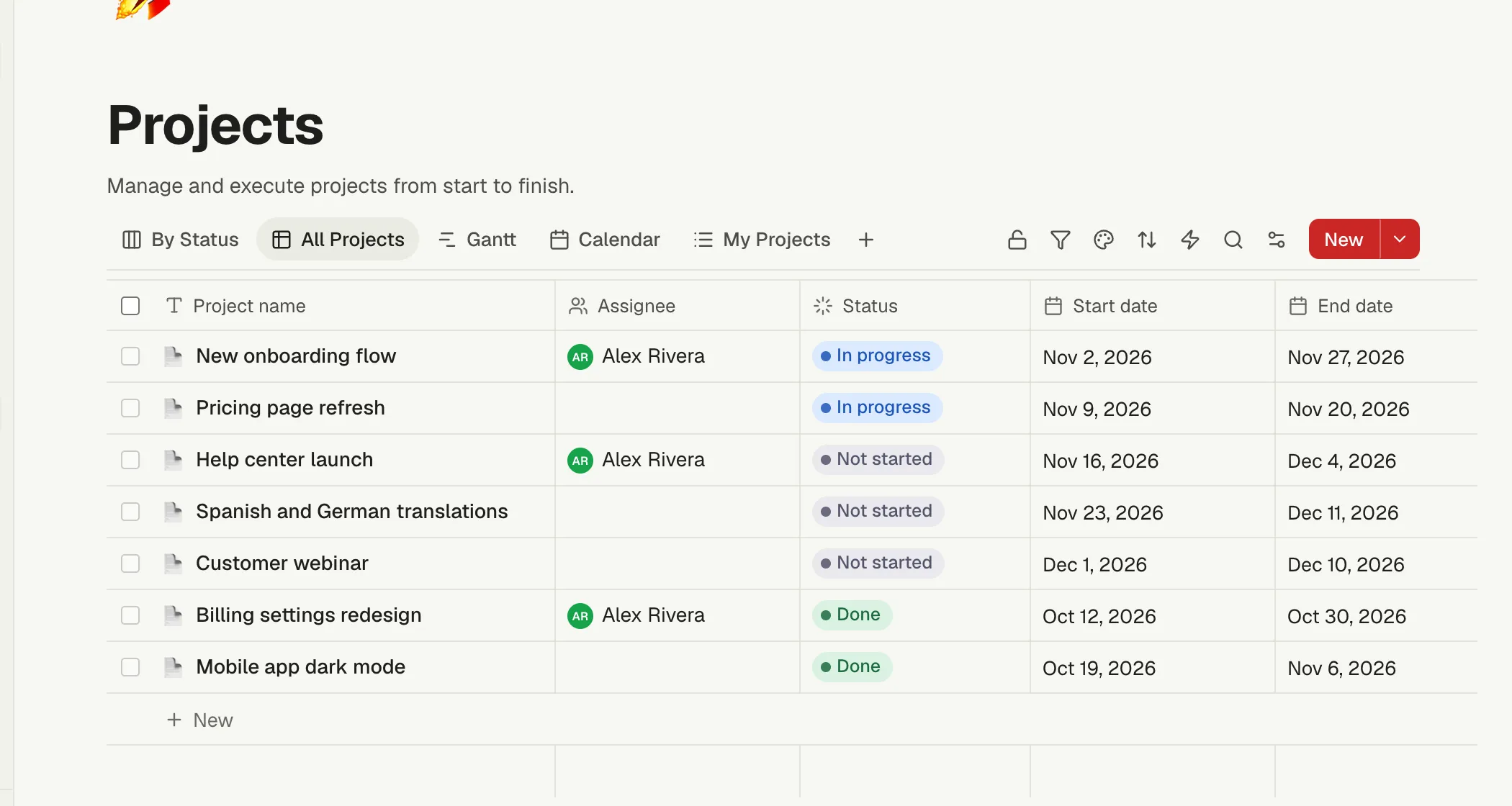
Add a view
- Click + next to the view tabs above the database.
- Pick a layout.
- Click a view’s tab again to Rename, Edit view, Duplicate view or Delete view.
Calendar and timeline views zoom to Week, Month or Quarter. Today jumps back to now.
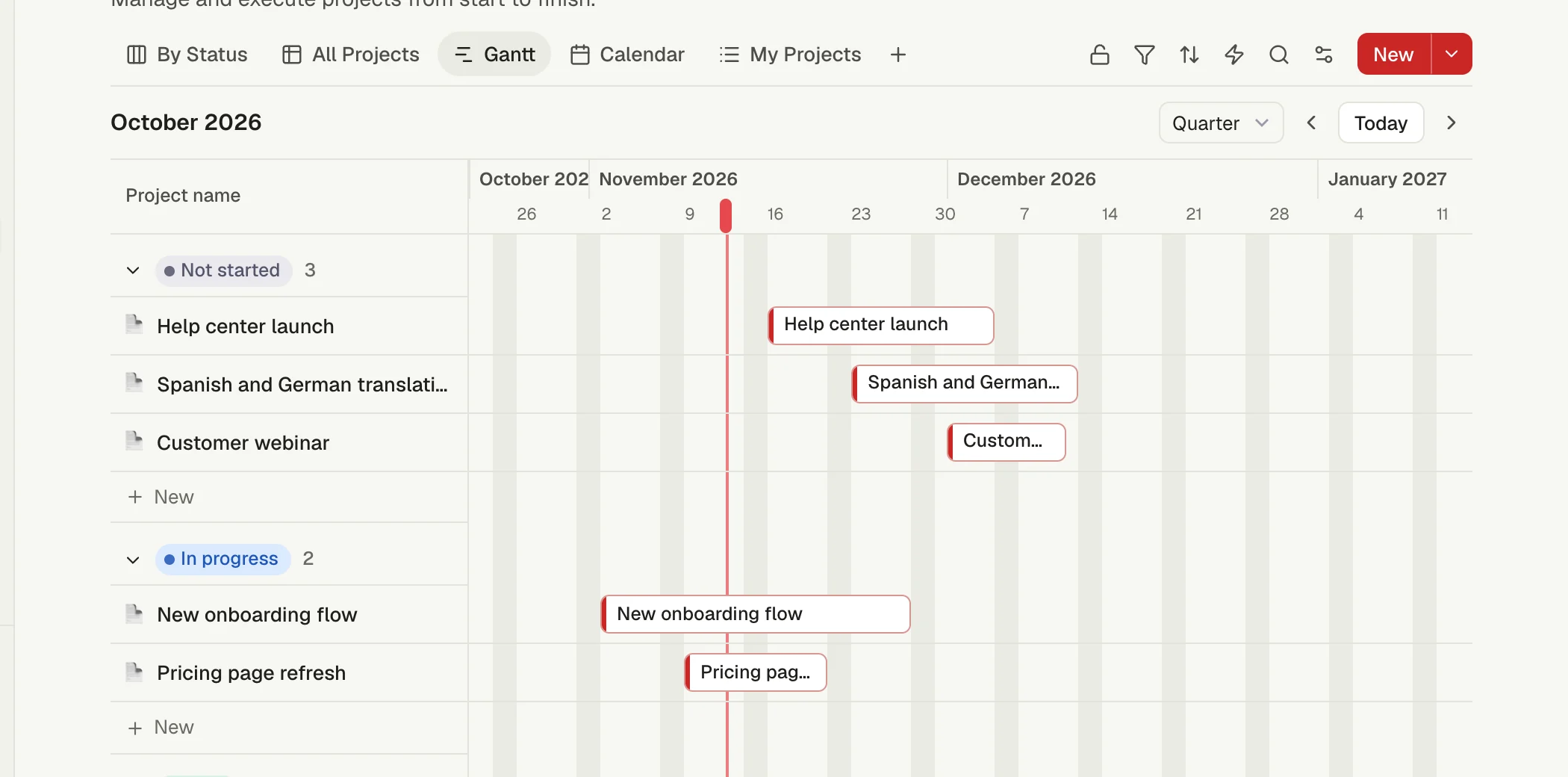
View settings
Open View settings in the toolbar to change the view’s name and layout, Group by a property, add a Sub-group (swimlanes), pick the start and end dates, turn on Sub-items and Dependencies, and choose which properties show (Show all / Hide all).
To filter and sort, see Filter, sort and color rows.
Was this helpful?
Still need help?
Email hi@kolasys.ai from the address on your account and we’ll reply by email.